
Track every vehicle. Bill every activity. One terminal platform.

Unit Tracking
Every vehicle is tracked from gate-in through inspection, storage, and loading with a timestamped record at each step. Nothing leaves without a trail.
Zero Leakage
The auto-charging engine creates a billable item the moment an activity completes. Tiered storage rates and client-specific rules apply automatically.
Customs View
US AES, German Dakosy, and ASYCUDA clearance statuses appear on the same cargo record. One screen replaces three separate government portals.
Multi-Client Ready
Each client operates under isolated billing rules, tariff structures, and activity configurations. Transport teams share the same live data.
Built for vehicle and RoRo terminal operations from day one
RoRo terminals have workflows that generic warehouse software cannot support. Logisoft covers every step: VIN-level cargo tracking, OEM-compliant PDI, activity-based charging, and RoRo-specific documents.
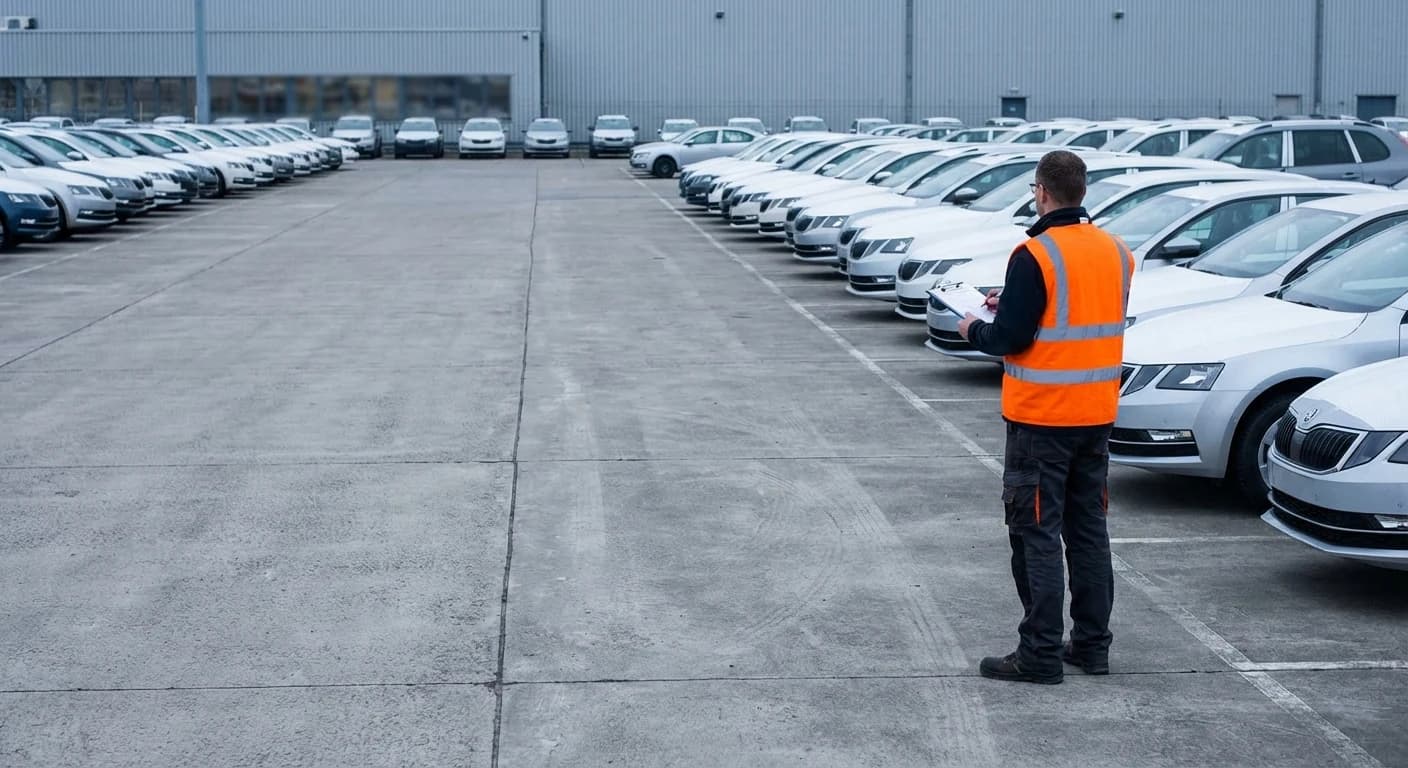
Logisoft provides access to a vast database of vehicle manufacturers, models, and dimensions; eliminating typos and auto-filling reference dimensions for optimized operations.
Live cargo status shared across every connected party
Every status change, from gate-in scan to vessel loading, is visible instantly to terminal staff, shipping lines, and forwarders. No phone calls. No status emails.
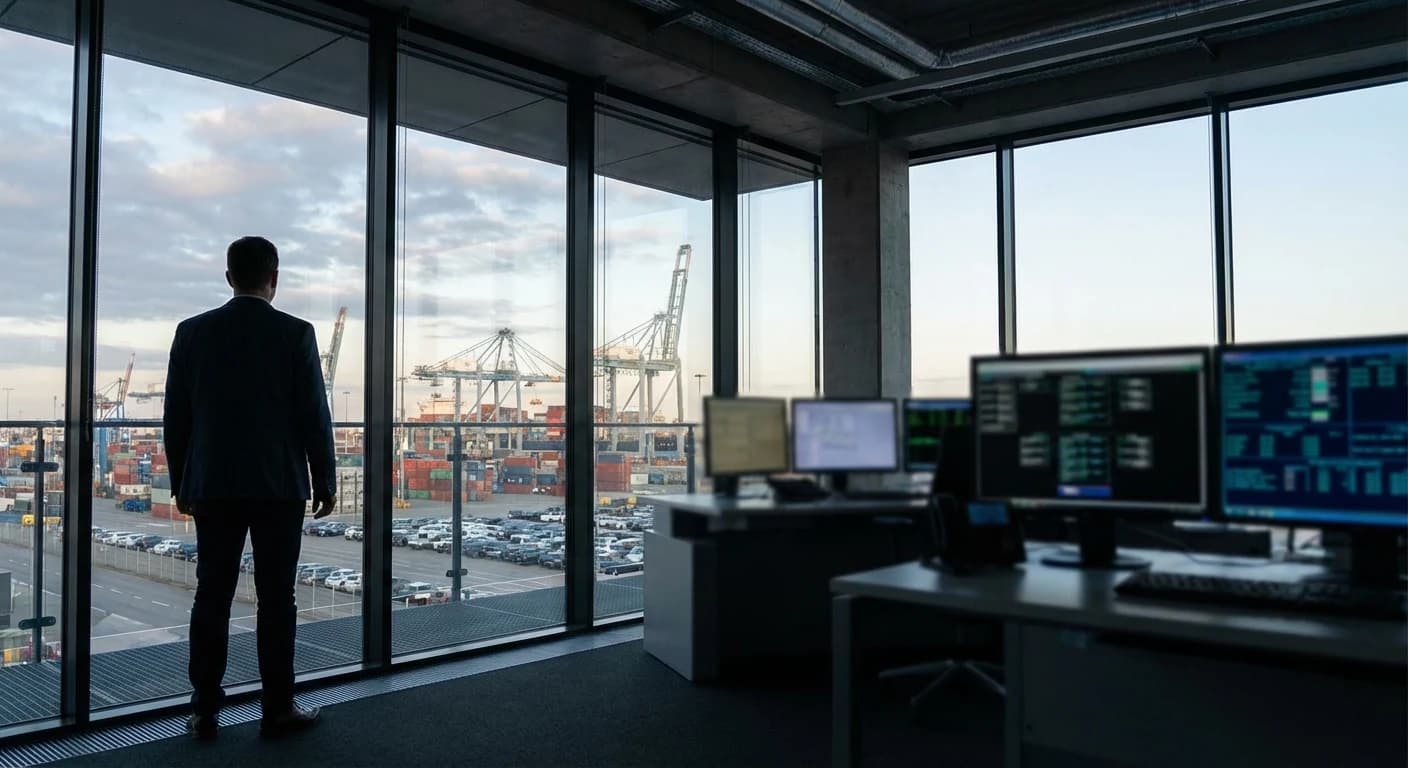
A single dashboard shows every unit's current status: received, inspected, cleared, loaded, or dispatched. Filter by vessel, client, or customs status to find what you need.
Voyage operations from manifest to closure
Run vessel loading and discharge from the manifest itself. Import the cutoff list, match units by VIN, and capture place of delivery in a single pass. Track every unit that misses a vessel, and close the voyage with the numbers that actually matter.
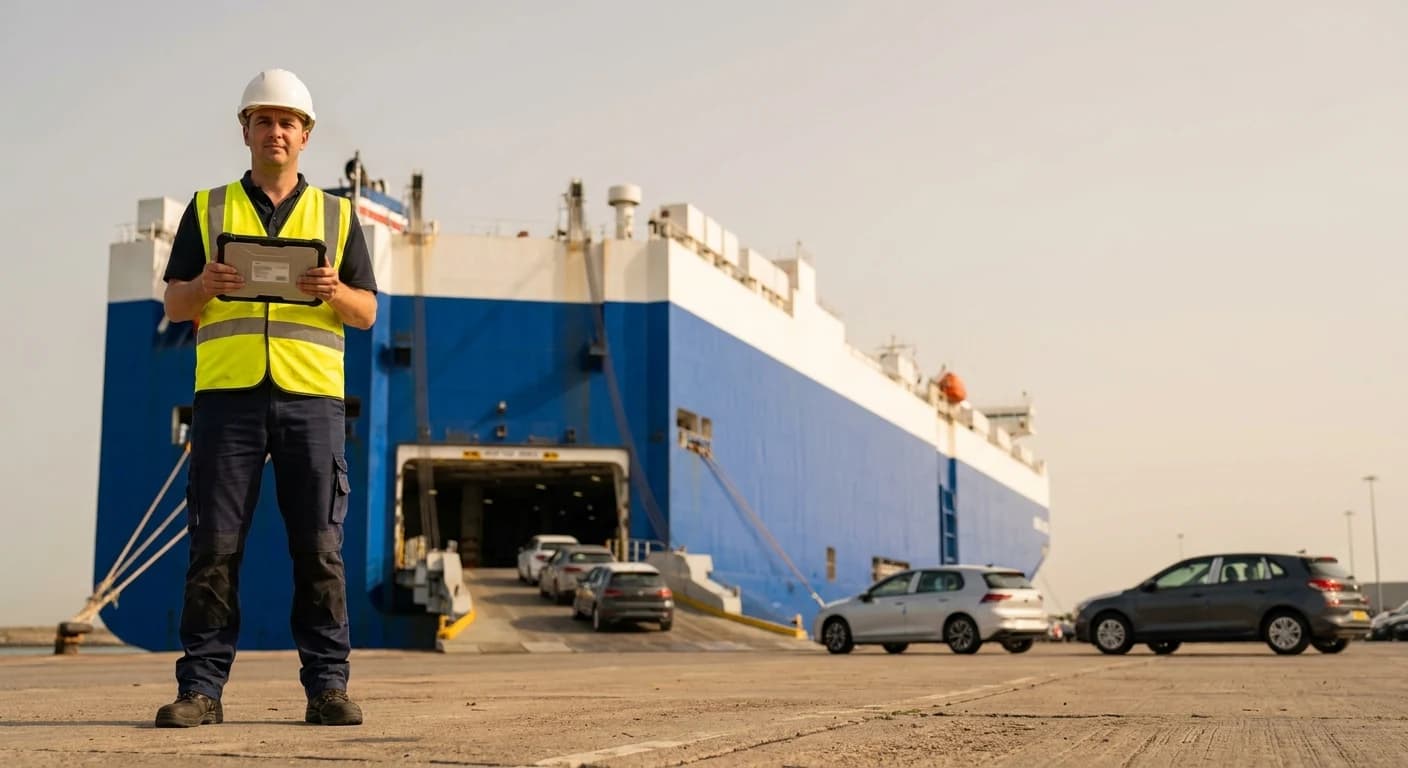
Import the outbound vessel manifest from a single Excel file. The platform matches existing units by VIN, assigns them to the voyage, and captures place of delivery in the same pass. Unknown VINs create draft units automatically, so nothing falls through the cracks at cutoff.
TMS and TOS run on the same data, with no integration layer to maintain
Bookings, cargo status, and customs data stay in sync between the TOS and TMS automatically. No batch jobs, no file imports, no manual re-entry.

When a booking is confirmed in the TMS, the terminal sees the cargo record immediately. No CSV import, no API polling. Voyage assignments, consignee details, and special instructions carry over automatically.
Every yard operation runs from any Android handheld
The Logisoft Companion App puts the full cargo record in your team's hands. Scan VINs during loading, capture inspection photos, update park locations, and confirm gate movements from any Android device.
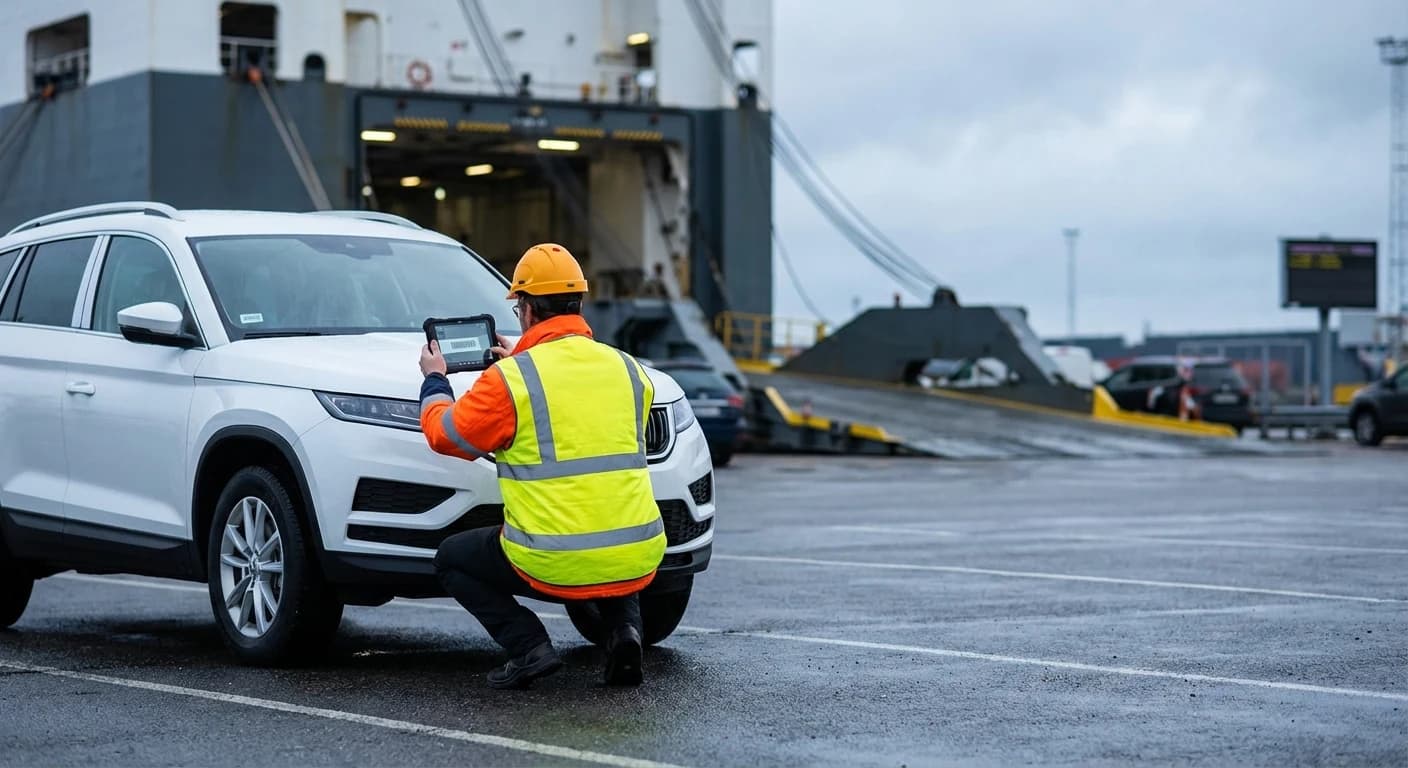
Scan VINs and barcodes during loading and discharging. Intelligent matching handles OEM-specific barcode formats, damaged labels, and serial number fallback. Mis-scans drop in mixed-OEM yards.
Every activity generates a charge. Every charge becomes an invoice.
The auto-charging engine maps each yard activity to a charge based on client, cargo type, service, and duration. Tiered storage rates handle free days and escalating demurrage. Multi-client terminals bill each customer under isolated rules. Invoices generate without manual input.
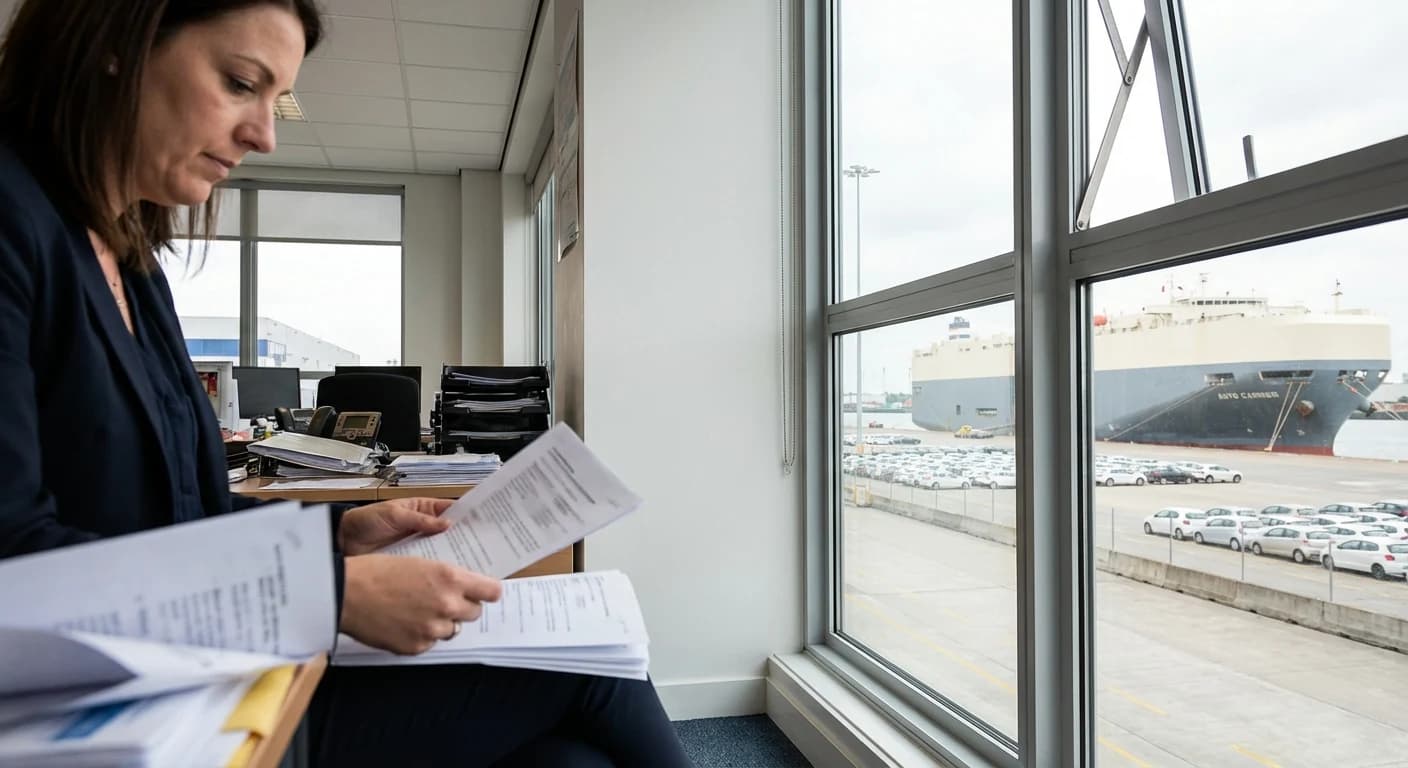
Gate-in, inspection, wash, repair, storage, loading: each completed activity creates a charge based on your tariff rules. Invoices generate per client on your billing schedule. No manual rate lookup, no missed charges.
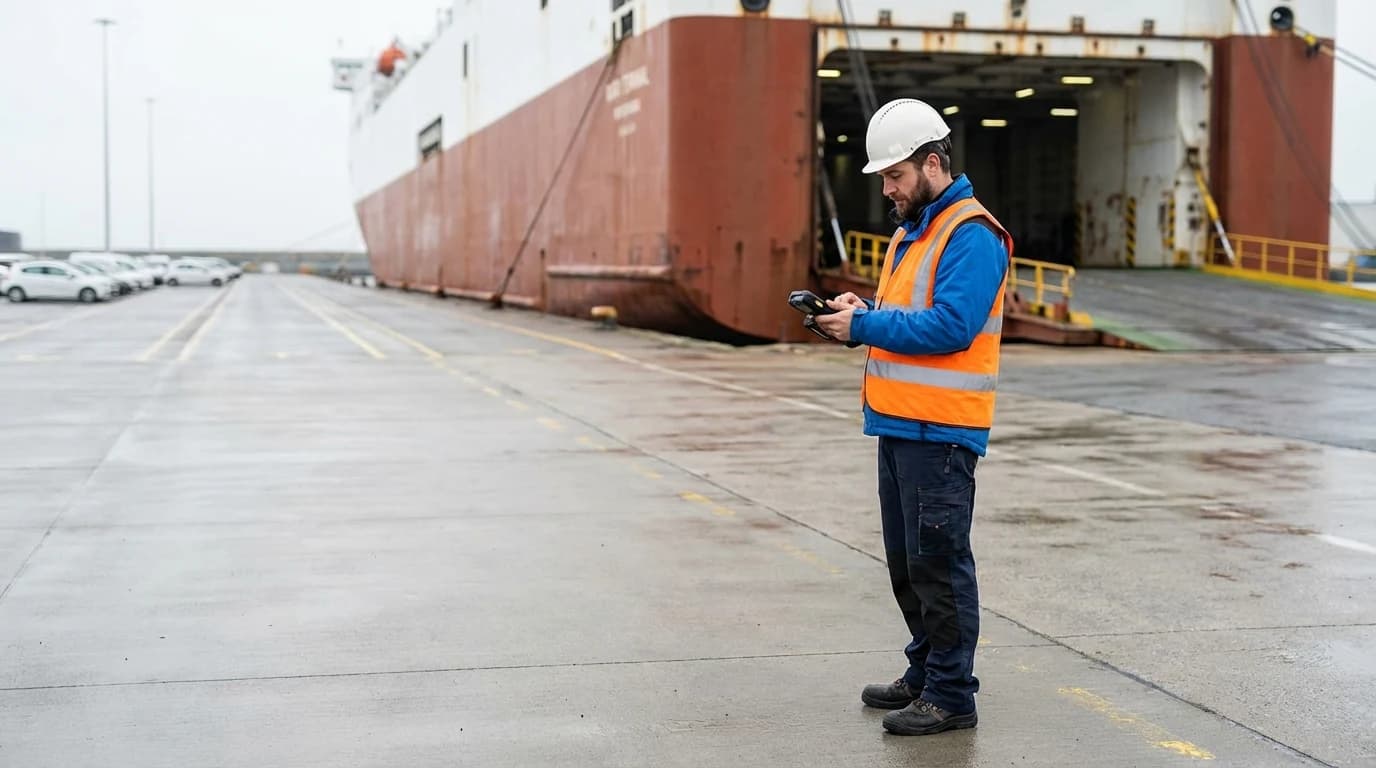
Your terminal in your hands. Available on Google Play.
The Logisoft Handheld Companion App connects yard and terminal staff directly to the platform from any Android device. Scan units during loading and discharging, capture inspection photos, perform inventory counts, and manage cargo without returning to a desktop.
Available on Android (Google Play). Apple App Store coming soon.
Frequently Asked Questions
Features
Discover everything you can do with Logisoft TOS
Cargo Tracking
Every status change is recorded with a timestamp and visible to terminal staff, shipping lines, and forwarders the moment it happens. No phone calls, no status emails.
Vessel Allocation
Vehicles get allocated to voyages on the rules you set, with remaining capacity tracked per vessel so no voyage gets over-committed at cutoff.
Sailing Schedule
Sailing schedules publish straight to the Digital Portal, so customers plan their shipments against your routes without phone calls or PDF attachments.
Customs Integration
Direct connections to US AES, German Dakosy, and ASYCUDA mean clearance status appears on the cargo record as authorities respond. No portal-hopping at month-end.
Activity Billing
Charges generate the moment a yard activity completes. No unbilled storage days, no missed handling charges, no rate-lookup spreadsheets at month-end.
Handheld App
Yard teams scan VINs, capture inspection photos, and confirm gate movements from any Android device. Results sync to the platform the moment they are recorded.
Vehicle Data
A built-in database of vehicle makes, models, and dimensions auto-fills the cargo record from a VIN scan. No manual dimension entry, no manifest typos.
Reporting & Analytics
Operational and financial reports pull from the same data as your yard activities, so your throughput, revenue, and dwell-time numbers always match.